
Homelab Kubernetes, Episode 1: Installing k3s
Install your first K3s cluster and learn the core Kubernetes concepts used throughout this homelab series. This guide covers namespaces, kubectl setup, cluster verification, and preparing your server for self-hosted services like Traefik and Pi-hole.
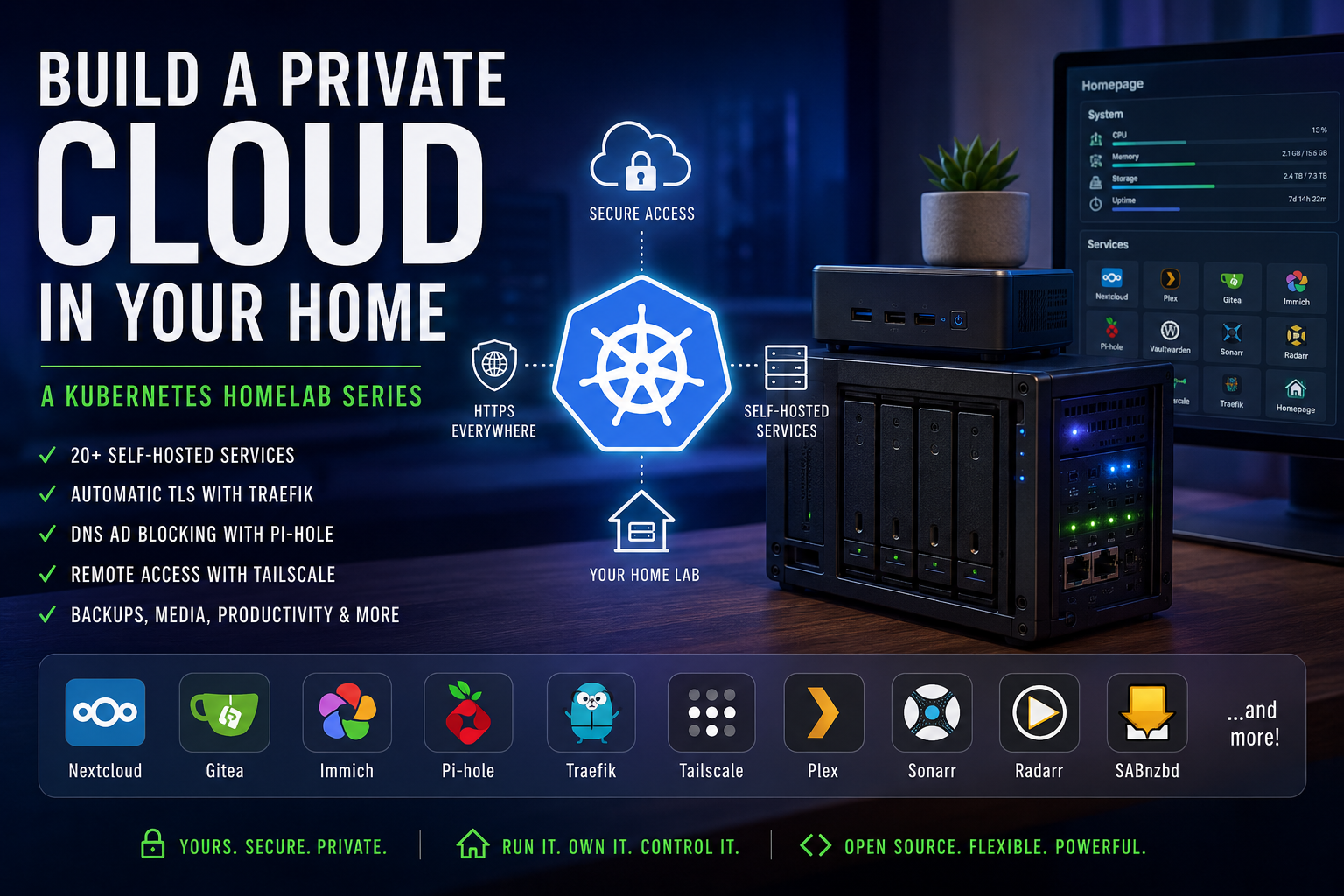
This is part of a series on building a self-hosted Kubernetes homelab. Start with the series intro if you haven't already.
Before any service in this series can run, you need a Kubernetes cluster. This post covers installing k3s, creating the namespace structure that everything else depends on, and verifying that kubectl is working correctly.
Prerequisites
Before running anything here, you need:
- A Linux server up and running. This guide uses Ubuntu 24.4.
- A static IP assigned to your server, outside your router's DHCP range
- The
/datadirectory created (covered in the series intro)
You should also install Helm now. Later episodes use it to install MetalLB and Traefik.
curl https://raw.githubusercontent.com/helm/helm/main/scripts/get-helm-3 | bash
Helm is the Kubernetes package manager. It installs pre-packaged applications into your cluster the same way apt installs software on Ubuntu.
Four Concepts You'll Use Constantly
Before looking at any YAML, here are the Kubernetes terms that come up in every episode.
Pod: The smallest unit in Kubernetes. A pod runs one or more containers. When you deploy a service, Kubernetes creates a pod for it.
Deployment: A Kubernetes object that says "keep N copies of this pod running." If a pod crashes, the Deployment restarts it automatically.
Service: A stable network address for a set of pods. Pods can restart and get new internal IP addresses. A Service gives them a consistent name that other services can reach.
Namespace: A logical grouping for related resources. All the network tools (Pi-hole, Tailscale, Cloudflared) go in the network namespace. All media services go in the media namespace. Namespaces let you manage groups of services together.
Manifest: A YAML file that describes a Kubernetes object. You apply manifests with kubectl apply -f <filename>. Kubernetes reads the file and creates or updates the objects described in it.
IngressRoute: A Traefik-specific object that maps a hostname (like pihole.example.com) to a Service running in the cluster. The Traefik episode covers this in detail.
Create the Namespace Manifest First
Create the namespace manifest before installing k3s. This file defines every namespace you'll use across the entire series.
Create /data/manifests/namespace.yaml:
apiVersion: v1
kind: Namespace
metadata:
  name: network
---
apiVersion: v1
kind: Namespace
metadata:
  name: productivity
---
apiVersion: v1
kind: Namespace
metadata:
  name: media
---
apiVersion: v1
kind: Namespace
metadata:
  name: tools
---
Why write this as a separate file? If you put namespace definitions inside each service's manifest, running kubectl delete -f pihole.yaml would delete the network namespace along with Pi-hole. That would also take down Tailscale and Cloudflared, which live in the same namespace. Keeping namespaces in a separate file prevents that.
Install k3s
Check the k3s releases page for the latest stable version before running this. Replace v1.31.0+k3s1 with the current release.
export SERVER_IP=192.168.1.x   # Replace with your server's static IP

curl -sfL https://get.k3s.io | INSTALL_K3S_VERSION="v1.31.0+k3s1" sh -s - \
  --cluster-init \
  --node-ip "$SERVER_IP" \
  --advertise-address "$SERVER_IP" \
  --disable traefik \
  --disable servicelb \
  --disable local-storage \
  --write-kubeconfig-mode 0644
This command downloads the k3s installer and runs it with specific flags. Here's what each flag does:
| Flag | Reason |
|---|---|
--cluster-init |
Use embedded etcd as the data store. You can't change this later without reinstalling. |
--node-ip |
Bind k3s to your server's static IP, not a random interface. |
--advertise-address |
The address other components use to reach the API server. |
--disable traefik |
k3s ships with Traefik, but you're installing it yourself for full control. |
--disable servicelb |
k3s also ships with a basic load balancer. MetalLB replaces it. |
--disable local-storage |
Disables the dynamic storage provisioner. This series uses hostPath volumes, which map directly to directories on disk. |
--write-kubeconfig-mode 0644 |
Makes the kubeconfig file readable without sudo. |
The install takes about 30 seconds. Wait for it to return to a prompt before continuing.
Configure kubectl
k3s writes a kubeconfig file to /etc/rancher/k3s/k3s.yaml. This file contains the credentials and endpoint for talking to your cluster. Copy it to your home directory so kubectl can find it without sudo:
mkdir -p ~/.kube
cp /etc/rancher/k3s/k3s.yaml ~/.kube/config
chown $USER:$USER ~/.kube/config
Then add KUBECONFIG to your shell profile so it's set automatically on login:
echo 'export KUBECONFIG=~/.kube/config' >> ~/.bashrc
source ~/.bashrc
Verify the Cluster
Check that the node is ready:
kubectl get nodes
You should see your server listed with a status of Ready. If the status shows NotReady, wait 30 seconds and try again. k3s takes a moment to fully initialize after install.
Check the system pods:
kubectl get pods -n kube-system
All pods should show Running or Completed. The coredns pod handles DNS inside the cluster. The metrics-server pod collects resource usage data.
Apply the Namespace Manifest
Now apply the namespace file you created earlier:
kubectl apply -f /data/manifests/namespace.yaml
Verify the namespaces exist:
kubectl get namespaces
You should see all the namespaces from the manifest alongside the default Kubernetes namespaces (default, kube-system, etc.).
Common Problems
Don't mix k3s and a separate kubectl binary. k3s installs its own kubectl at /usr/local/bin/kubectl. If you install another version via snap or apt, they may conflict. Use the one k3s installed.
--cluster-init is permanent. This flag switches the data store from SQLite to embedded etcd. There's no migration path. If you installed without --cluster-init and want it, you'll need to uninstall and reinstall k3s. The uninstall script is at /usr/local/bin/k3s-uninstall.sh.
If kubectl get nodes hangs, check that k3s.service is running:
sudo systemctl status k3s
Summary
You now have a running k3s cluster with all namespaces in place. Every service in this series deploys into one of these namespaces.
In Episode 2, you'll install MetalLB so that Kubernetes services can receive real IP addresses on your LAN. That's required before Traefik can work.